

Google and local search
Foursquare business listing: how to claim or add yours
Your Foursquare business listing is the place record Foursquare keeps for your business. Foursquare says apps such as Apple Maps and OpenAI use its places data, so a wrong listing can spread.
The whole process, at a glance
Before you start
The owner or a manager should do this. You’ll sign in to a free Foursquare account with an email address or Google. Have the business name, full address, phone, website, category and hours ready, matching your other listings.
Follow these steps
Search for your business
Go to business.foursquare.com, or click Get started on Foursquare’s business listings page. Under Search for your business on Foursquare, enter your location and business name, then click Search FSQ.
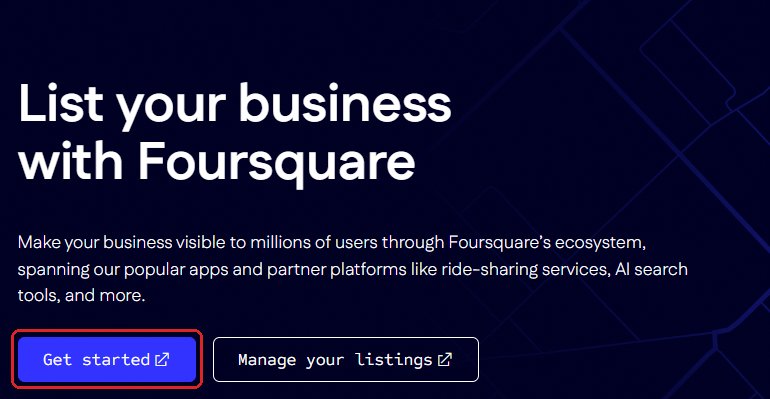
Captured November 22, 2026 in a signed-out browser, before any account was created. The business details are examples. Click the image to enlarge. 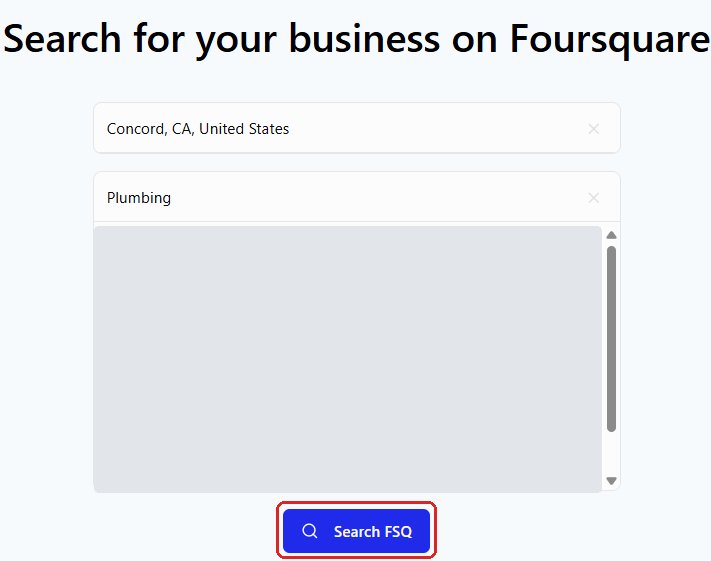
Captured November 22, 2026 in a signed-out browser, before any account was created. The business details are examples. The suggested businesses are covered. Click the image to enlarge. Claim your listing
Click Claim this business next to your business. Foursquare asks you to sign in. Enter your email and click Continue, click Continue with Google, or click Sign up to create an account.
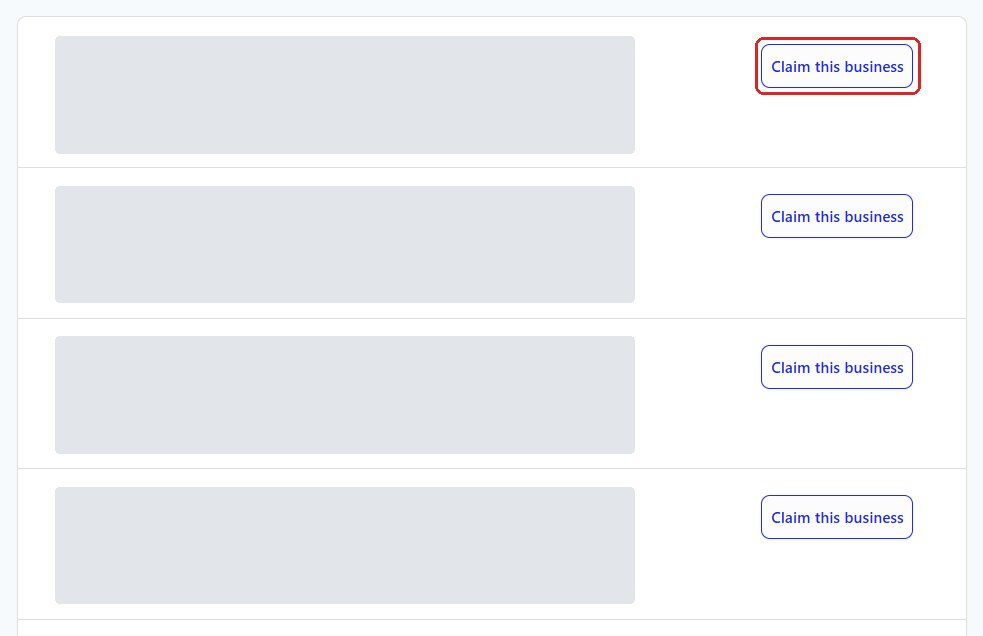
Captured November 22, 2026 in a signed-out browser, before any account was created. The business details are examples. The businesses in the list are covered. Click the image to enlarge. 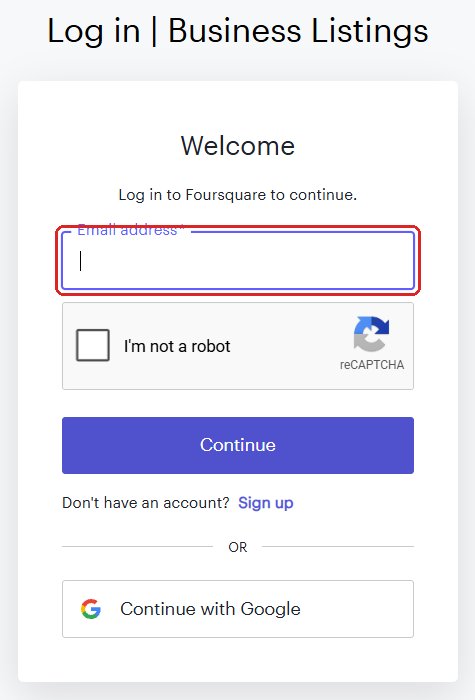
Captured November 22, 2026 in a signed-out browser, before any account was created. The business details are examples. Click the image to enlarge. 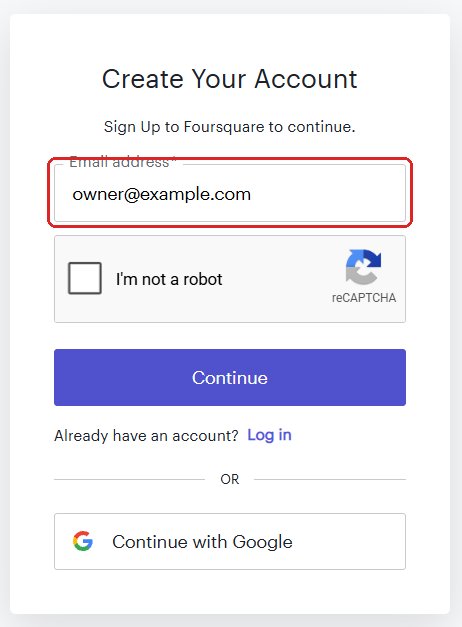
Captured November 22, 2026 in a signed-out browser, before any account was created. The business details are examples. The reCAPTCHA and Continue were not used. Click the image to enlarge. Complete the claim form
Foursquare asks for your contact details and your role at the business, to confirm you can speak for it. If someone else already manages the listing, Foursquare tells you straight away. Contact Foursquare support if you should have access.
Add your business if it isn’t listed
If your business doesn’t appear, click List my business at the bottom of the search suggestions. When you are signed out, it opens the Foursquare log-in screen first. You can also add a place in the Swarm app: tap the check-in button, then Change location, scroll down and tap Add a new place.
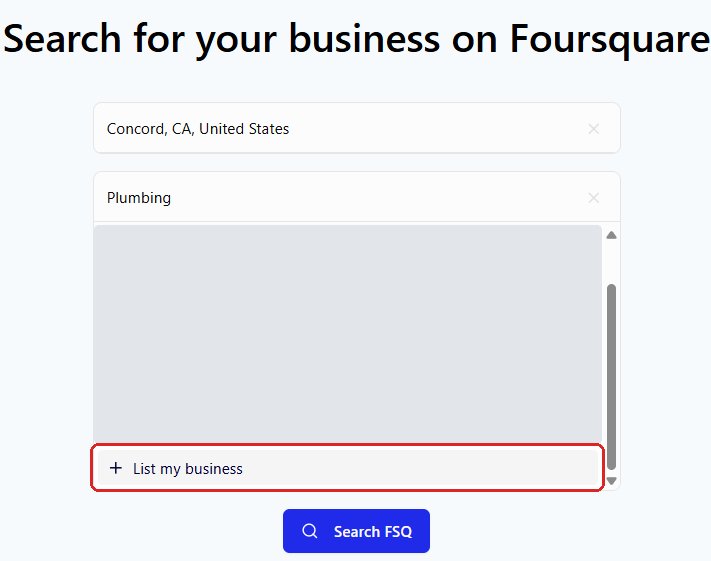
Captured November 22, 2026 in a signed-out browser, before any account was created. The business details are examples. The suggested businesses are covered. Click the image to enlarge. Keep your details current
Click Manage your listings on Foursquare’s business listings page, or open business.foursquare.com/my-listings, and sign in. Update your hours and contact details. The same dashboard shows edits other people suggest for your listing, so check it now and then.
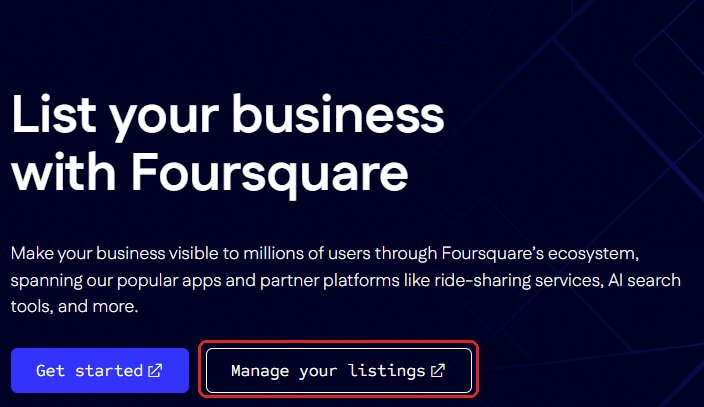
Captured November 22, 2026 in a signed-out browser. Nothing was typed. Click the image to enlarge. Give partner apps time
Foursquare says partner apps can take from a few days to several weeks to show a change. They also need a full address and a listing that has been in Foursquare’s data for a while.
You’re finished when…
Your listing appears under Manage your listings, and its public details match your name, address, phone, website and hours.
If you get stuck
Someone already claimed my business
Foursquare tells you during the claim. If you should have access, contact Foursquare support with the business name and address.
There are two listings for my business
Foursquare’s editing guidelines say two listings for the same place should be merged. Claim the one with the correct details, then ask Foursquare support to merge the other.
The business moved or closed
Foursquare’s guidelines treat a move as a new place: mark the old one closed and add one at the new address instead of moving the old pin. Mark a place closed only when it has closed for good.
Can I hide my home address?
Foursquare’s pages don’t describe a way to. They mention a private flag for places that aren’t open to the public. Ask Foursquare support before you list a home address.
Is it free?
The Foursquare pages we checked mention no fee for claiming or managing a listing.
Official sources and further reading
- Foursquare: business listings
- Foursquare: claiming a listing
- Foursquare: how to add a location
- Foursquare: my business isn’t in the search results
- Foursquare: my business doesn’t show on partner apps
- Foursquare: Placemaker best practices
Reviewed November 22, 2026. Platform menus can vary by account and change over time. Examples and checklists are WinflowAI’s own guidance; follow the linked vendor instructions for your account.
Find these guides useful? Add WinflowAI as a preferred source and our guides show up first for you on Google.
Tell us what's going on
A few lines about what's bugging you is plenty. We'll reply within one business day with what we'd do about it.
Rather hand it off? Our local SEO services cover your Google Business Profile, listings and on-page SEO.